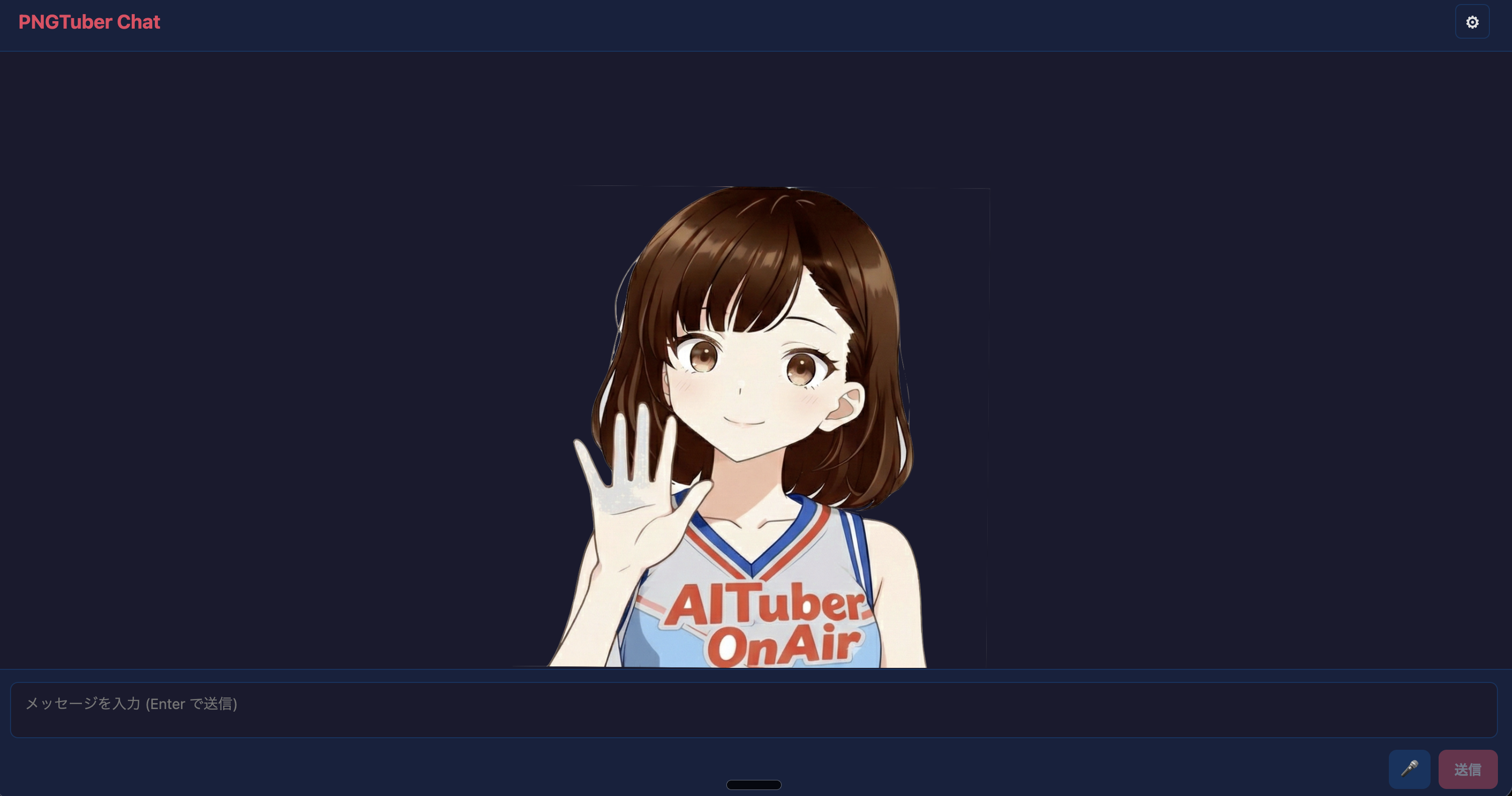
PNGTuber
A lightweight 2D avatar app with four bundled mouth and eye states, real-time lip sync, chat UI, and stream comment settings.
Official starter CLI: Create AITuber OnAir
Generate a real app repository from seven avatar templates - PNGTuber, VRM, Live2D, Pet, PuruPuru, PSD, and Inochi2D - then configure LLM, TTS, and live chat settings from the browser.
npm create aituber-onair@latest Pick the avatar style that fits your first stream. Most templates include starter assets; Live2D loads your own licensed model and Cubism Core files, and Inochi2D downloads its sample model on request.
A lightweight 2D avatar app with four bundled mouth and eye states, real-time lip sync, chat UI, and stream comment settings.
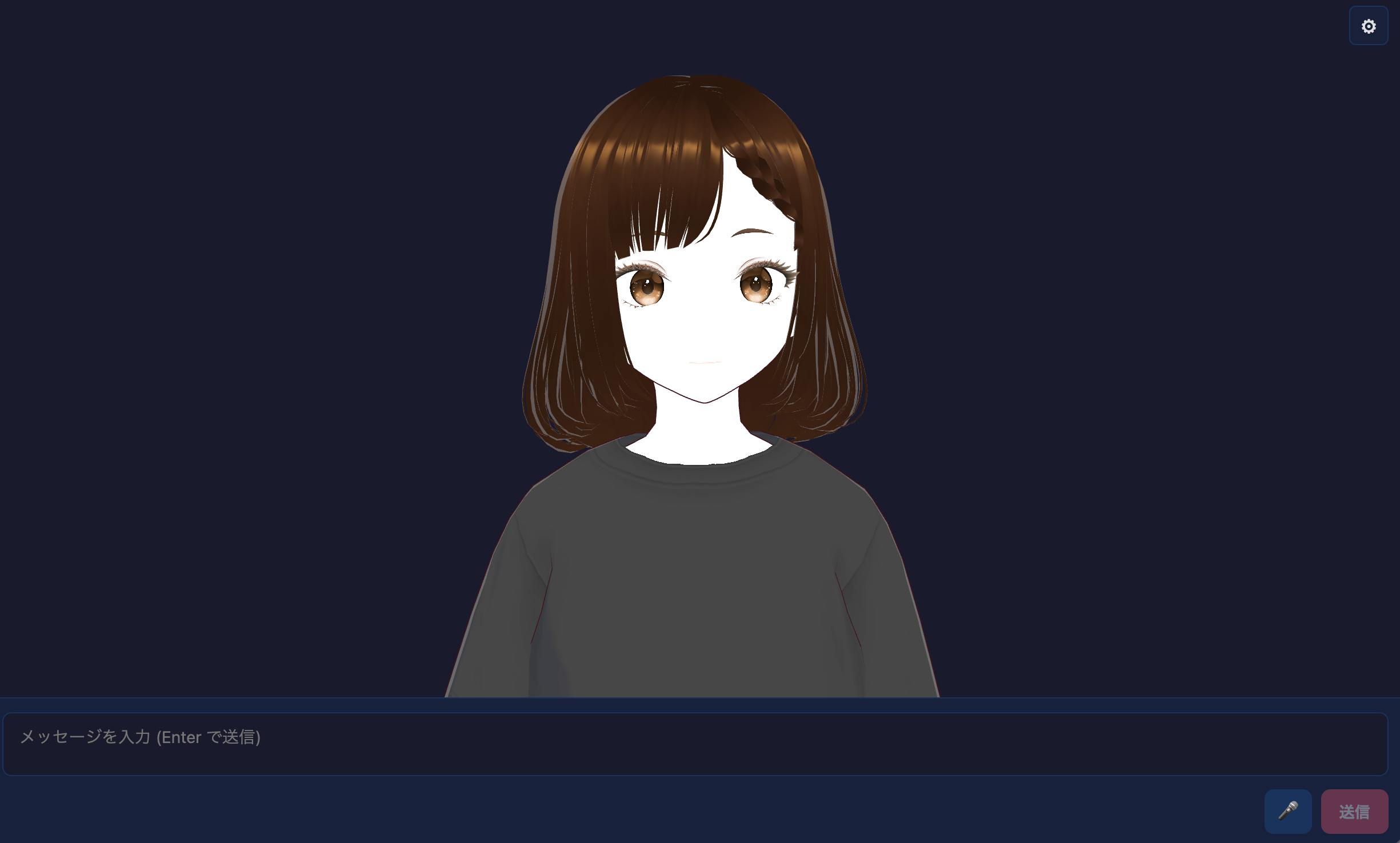
A 3D avatar app with a bundled VRM model, idle animation, camera controls, voice lip sync, and the same AITuber OnAir settings flow.
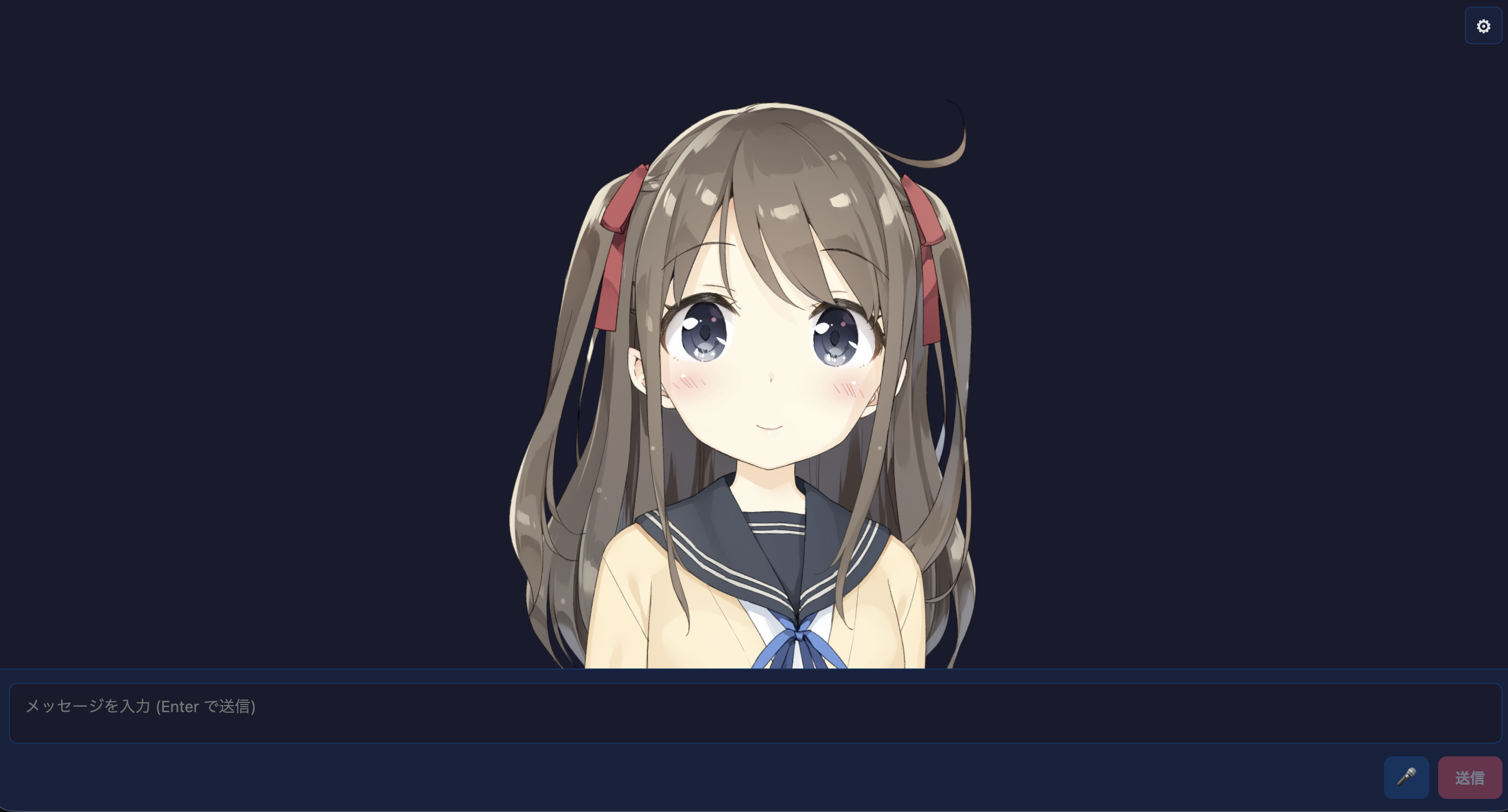
A Live2D avatar app for user-provided model folders and Cubism Core runtime files, with drag, zoom, voice lip sync, and the same settings flow.
This screenshot is an example using Live2D official sample data "Momose Hiyori". The model data is not bundled with AITuber OnAir. Sample data page / Terms
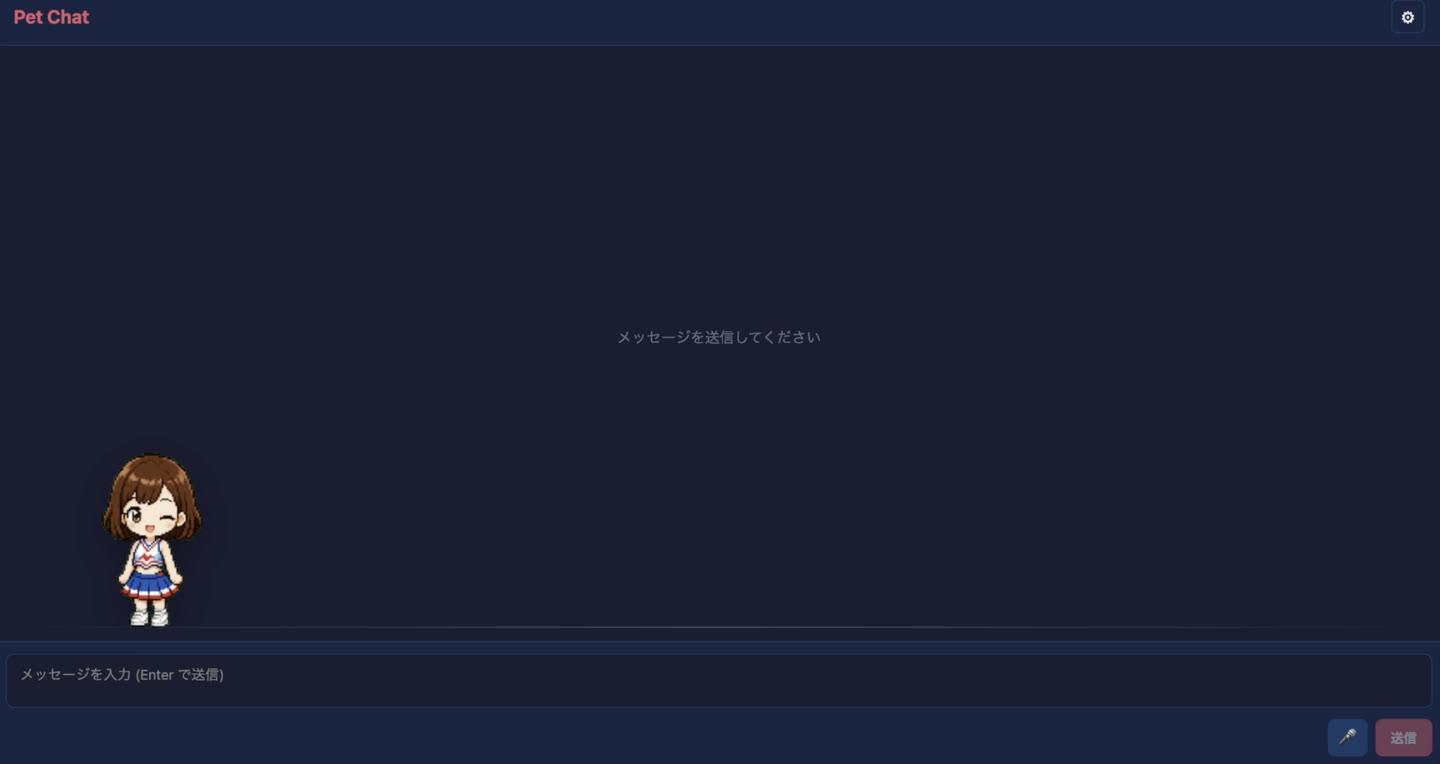
A Codex Pet-style animated character app with an 8x9 spritesheet, state-based reactions, voice lip sync, screen vision, and solo broadcast visuals.
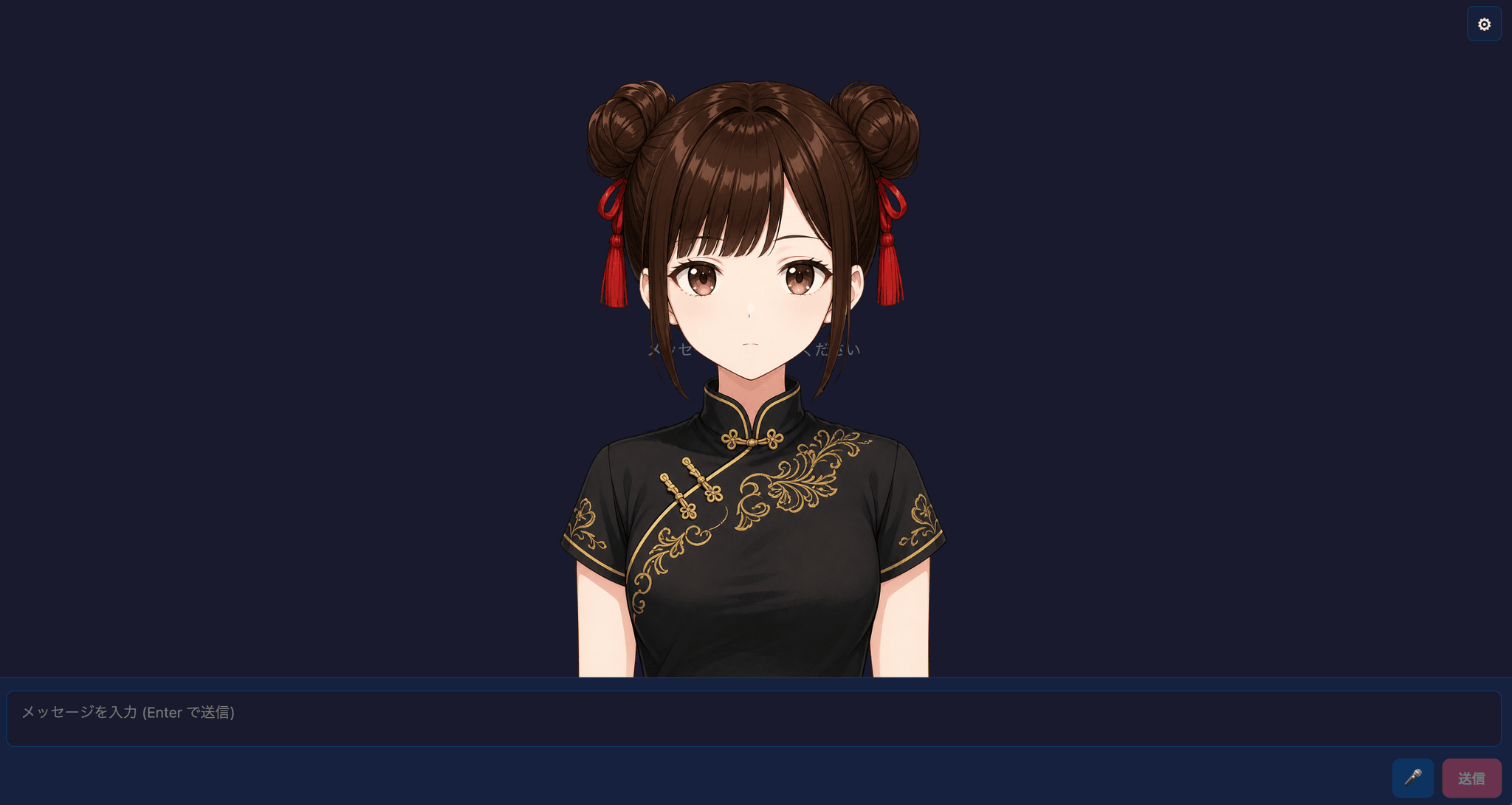
A physics-driven PNGTuber app that loads .purupuru avatar packages, with six face states, spring-based hair sway, idle breathing, blinking, and emotion effects. A Miko avatar package is bundled.
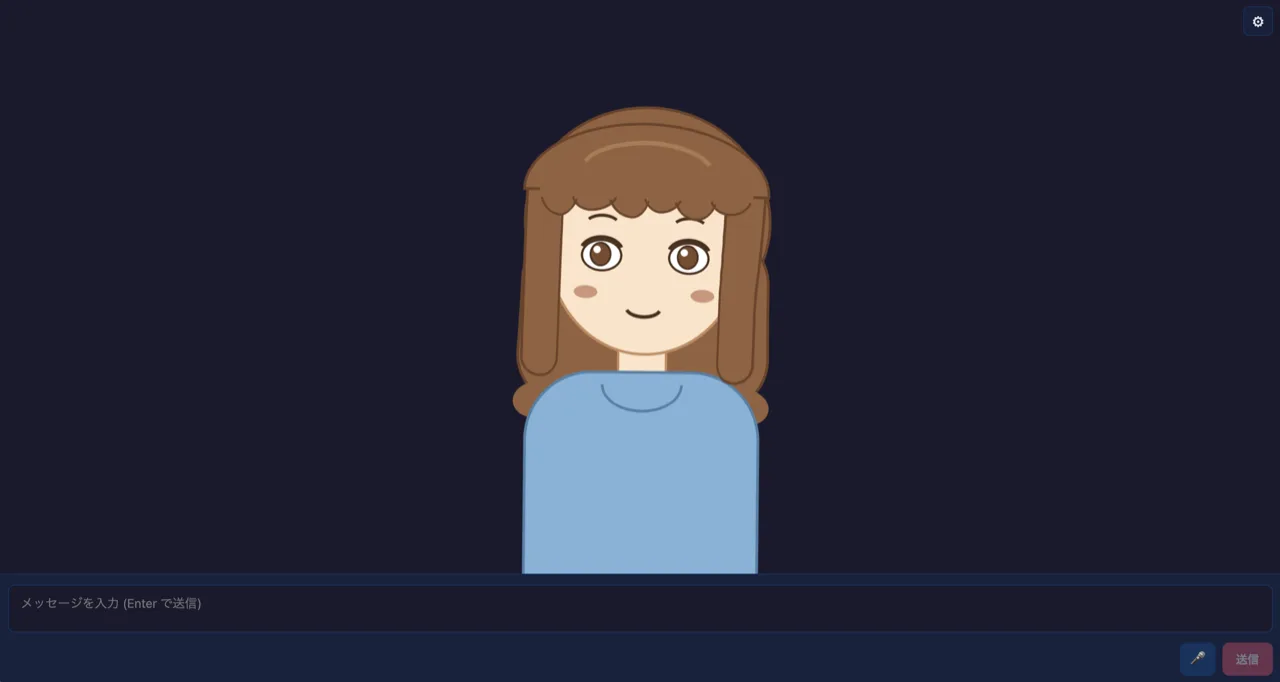
A PSD tachie app that composites a runtime-loaded PSD on canvas, with PSDTool-style layer toggles, mouth and eye role binding, and a motion mode with idle sway and hair physics. A license-clean sample PSD is bundled.
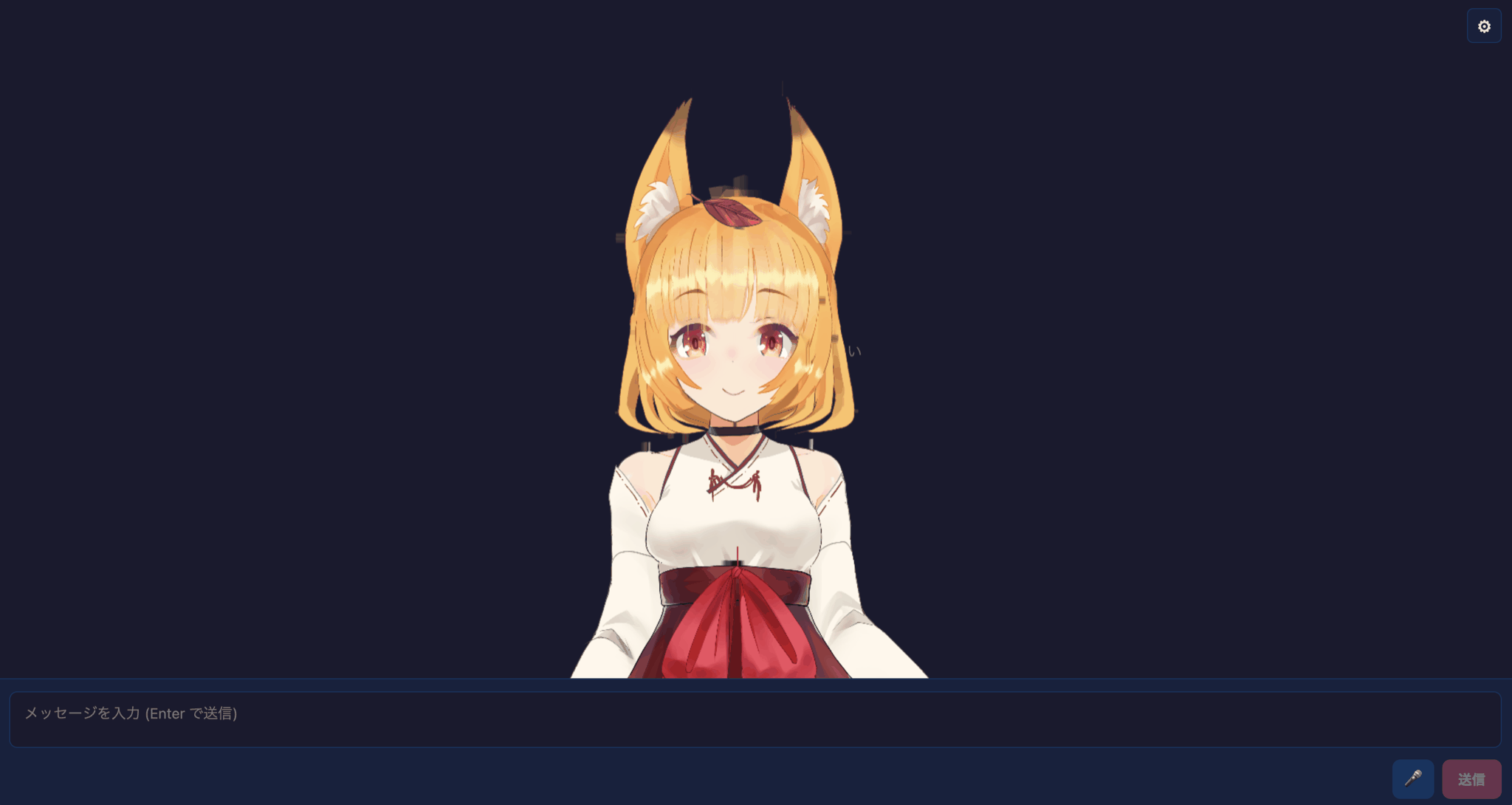
An Inochi2D WebGL app with a bundled runtime, local .inx / .inp model loading, manifest-based models, drag, zoom, and tap reactions, plus voice lip sync and emotion effects.
This screenshot uses the Inochi2D example model "Aka" by seagetch, licensed under CC BY 4.0. The CLI can download it during setup; the model files are not bundled in the npm package. Example models / CC BY 4.0
The CLI keeps the first run close to Create Vite: start interactive, choose a template, and decide whether to install dependencies.
Start with the interactive command.
npm create aituber-onair@latest Select PNGTuber for a fast 2D start, VRM for a 3D avatar app, Live2D when you already have licensed Live2D assets, Pet for an animated spritesheet character, PuruPuru for physics-driven PNGTuber packages, PSD for layered tachie art, or Inochi2D for rigged 2D models.
Run the generated Vite app and configure API keys in Settings.
npm run dev Use the interactive flow first. Pass flags when you want reproducible project creation.
npm create aituber-onair@latest npm create aituber-onair@latest my-aituber npm create aituber-onair@latest my-aituber -- --template pngtuber npm create aituber-onair@latest my-vrm-aituber -- --template vrm npm create aituber-onair@latest my-live2d-aituber -- --template live2d npm create aituber-onair@latest my-pet-aituber -- --template pet npm create aituber-onair@latest my-purupuru -- --template purupuru npm create aituber-onair@latest my-psd-aituber -- --template psd npm create aituber-onair@latest my-inochi2d-aituber -- --template inochi2d AITuber OnAir gives you a starter app and the chat, voice, and streaming foundations you need, so you can focus on the character and experience.
Open on GitHub